
If you have been following my channel for a while, you should know that I am always looking for new tools to help improve my computing experience. This is especially true when it comes to my writing workflow.
I am a Linux user and have been for many years. There are only 2 reasons I ever touch Windows.
- I had to use Windows when I worked in corporate America; all their computers ran Windows.
- I have family and friends that use it, so I need to keep up with what's going on for their sanity.
I have not used Windows on any of my hardware in months—since exiting the corporate world back in June of 2025. That alone reduced my blood pressure to normal levels. I really can't stand Windows.
So, I run Linux. Currently I am on Fedora Workstation 43. After a bunch of research, this distro seems to meet all my needs. It's stable, fast, has really modern hardware and software support, and the update cycle is perfect.
The one thing I do not like about Fedora, which isn't actually a Fedora issue, is the desktop environment they use. Their flagship version uses the GNOME Desktop. It uses floating windows by default. Think windows in Mac and Windows.
For years, I have preferred a tiling window manager. In a tiling window manager, when you open a program, it takes up the full amount of screen real estate.
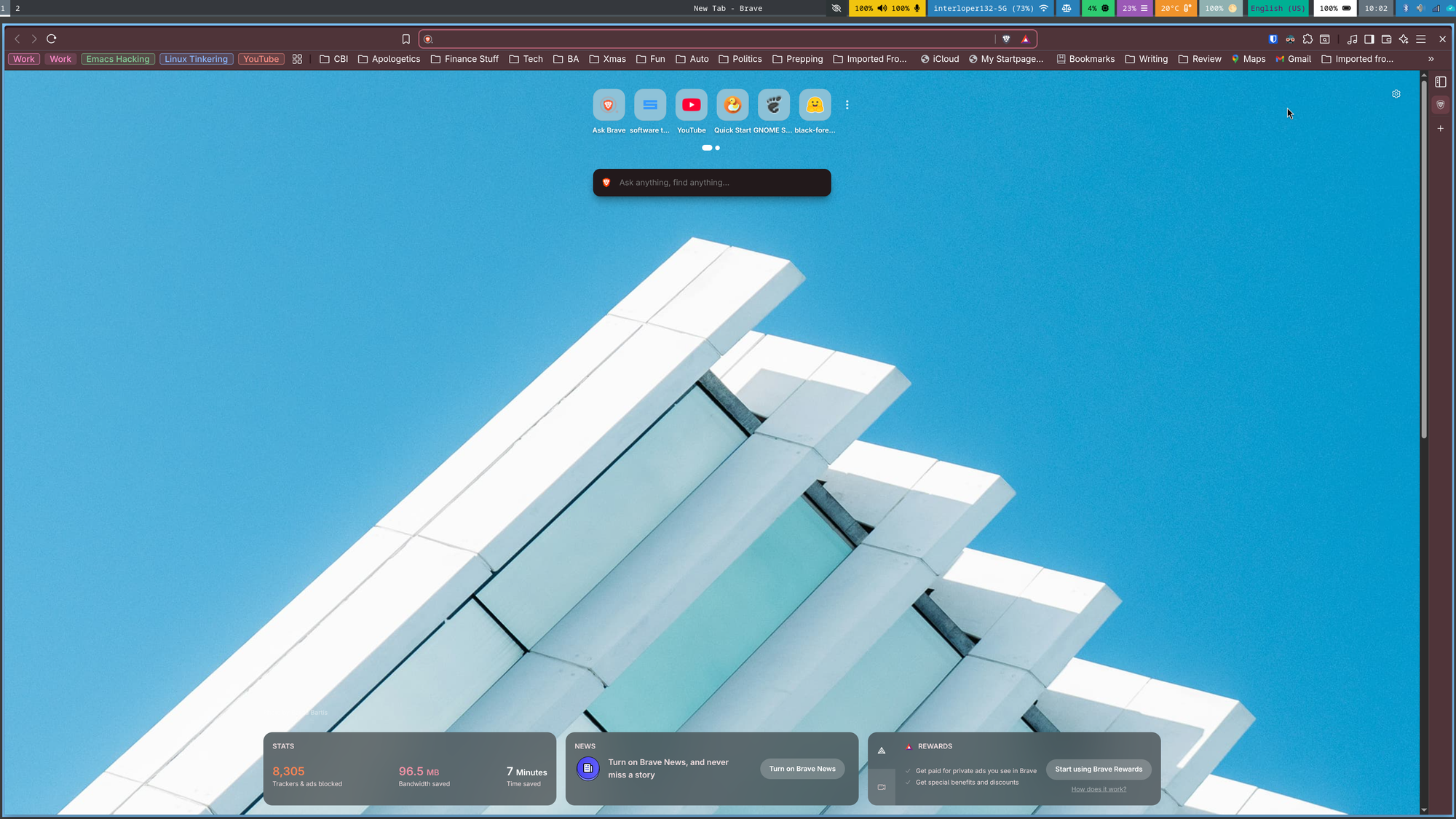
When you open a second program, the window manager will move both windows to equally occupy all the available screen.
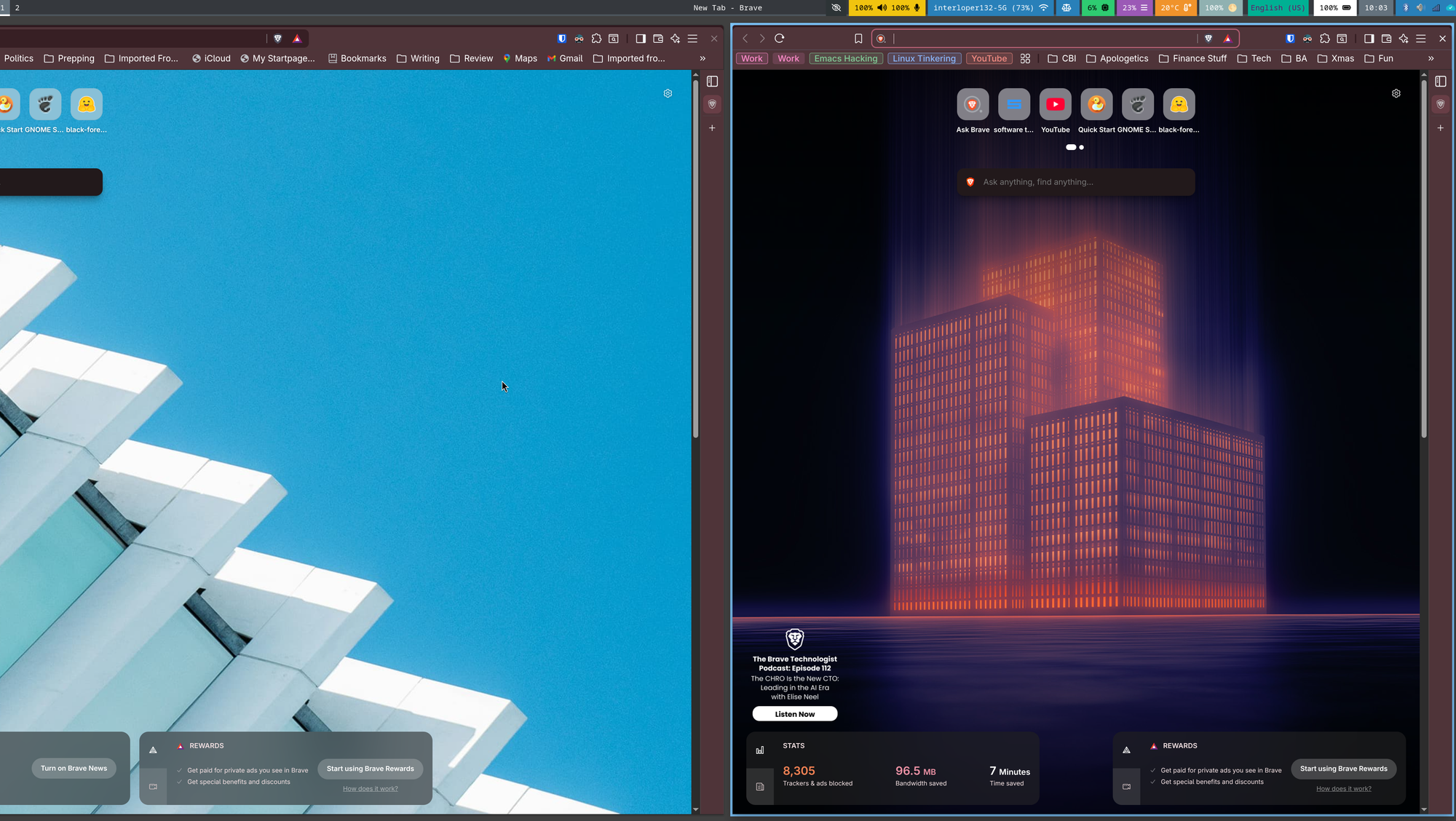
The more windows you open, the more it tries to fit them all into the available screen space. I love this because it keeps my hand off the mouse and my fingers on the keyboard. I can maneuver around the screens using combinations of key presses called key bindings.
If I need a floating window, I can use a keybinding to make a window float, then I can use the mouse to move it around. I can drop back into tiling when I'm done. This is the optimal workflow for me.
All the tiling window managers I have tried before, and there have been a lot of them, all had something about them that rubbed me the wrong way. They all did the job, there was just something missing.
That is, until I found Niri. This one is magic. It has all the dynamic window management features I love. It also has something none of the other ones don't: infinite side-scrolling. Essentially, as you open more windows, Niri pushes other windows off screen to the right.
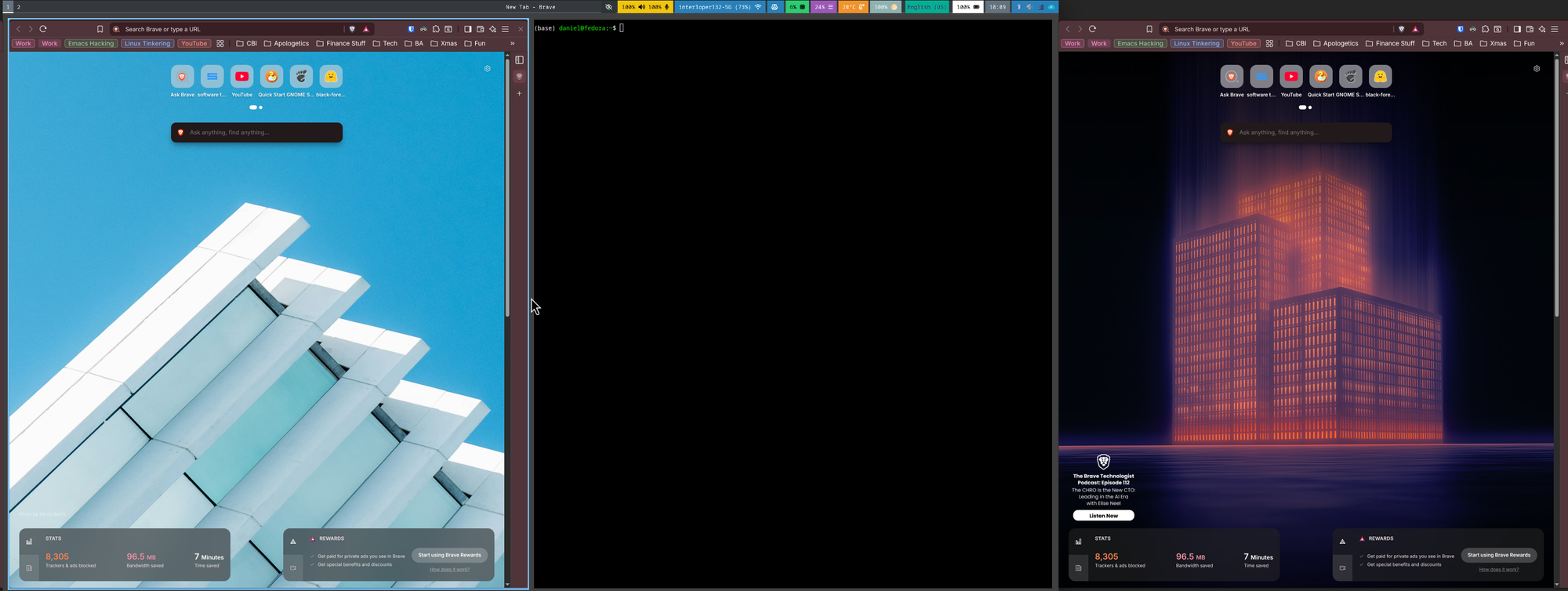
Windows don't get smaller and smaller; they move off screen. You can then scroll through these windows to find the one you want. But wait, there's more! Niri also has a highly functional overview mode. This allows you to see a preview of all your windows with a quick keypress.
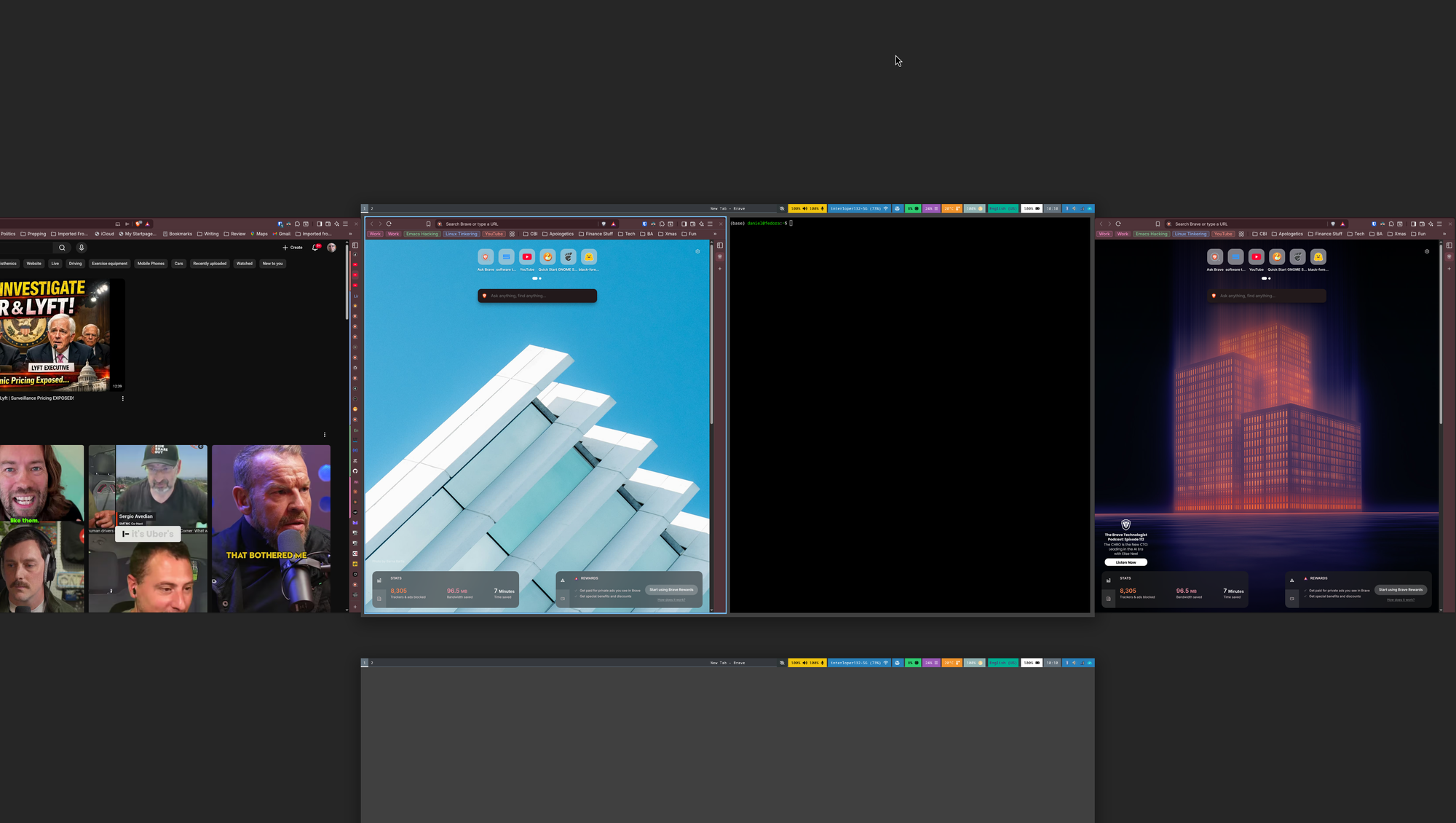
Niri also has the concept of workspaces. Think virtual desktops. And Niri is smart enough to create them on the fly, as you need them.
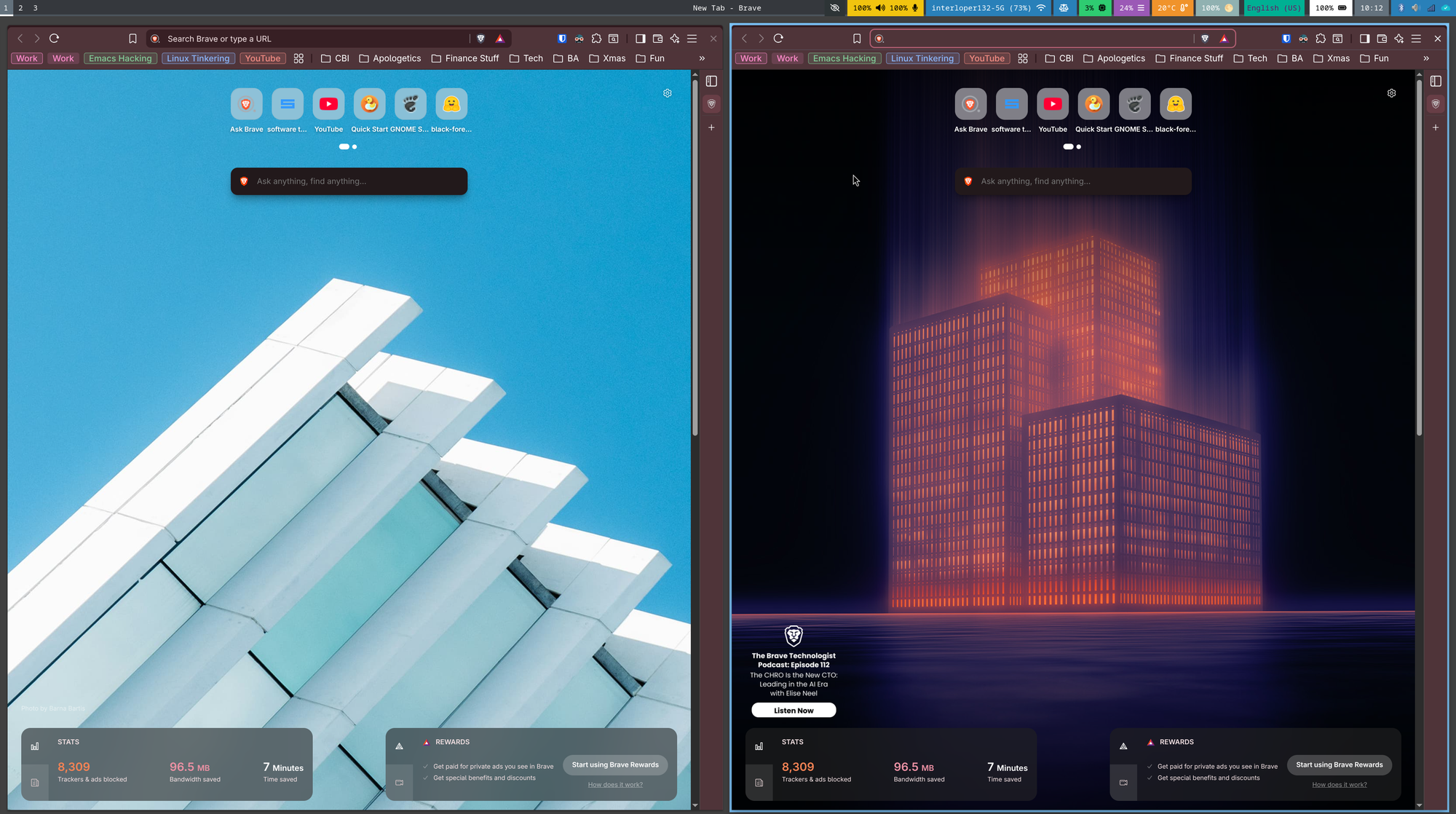
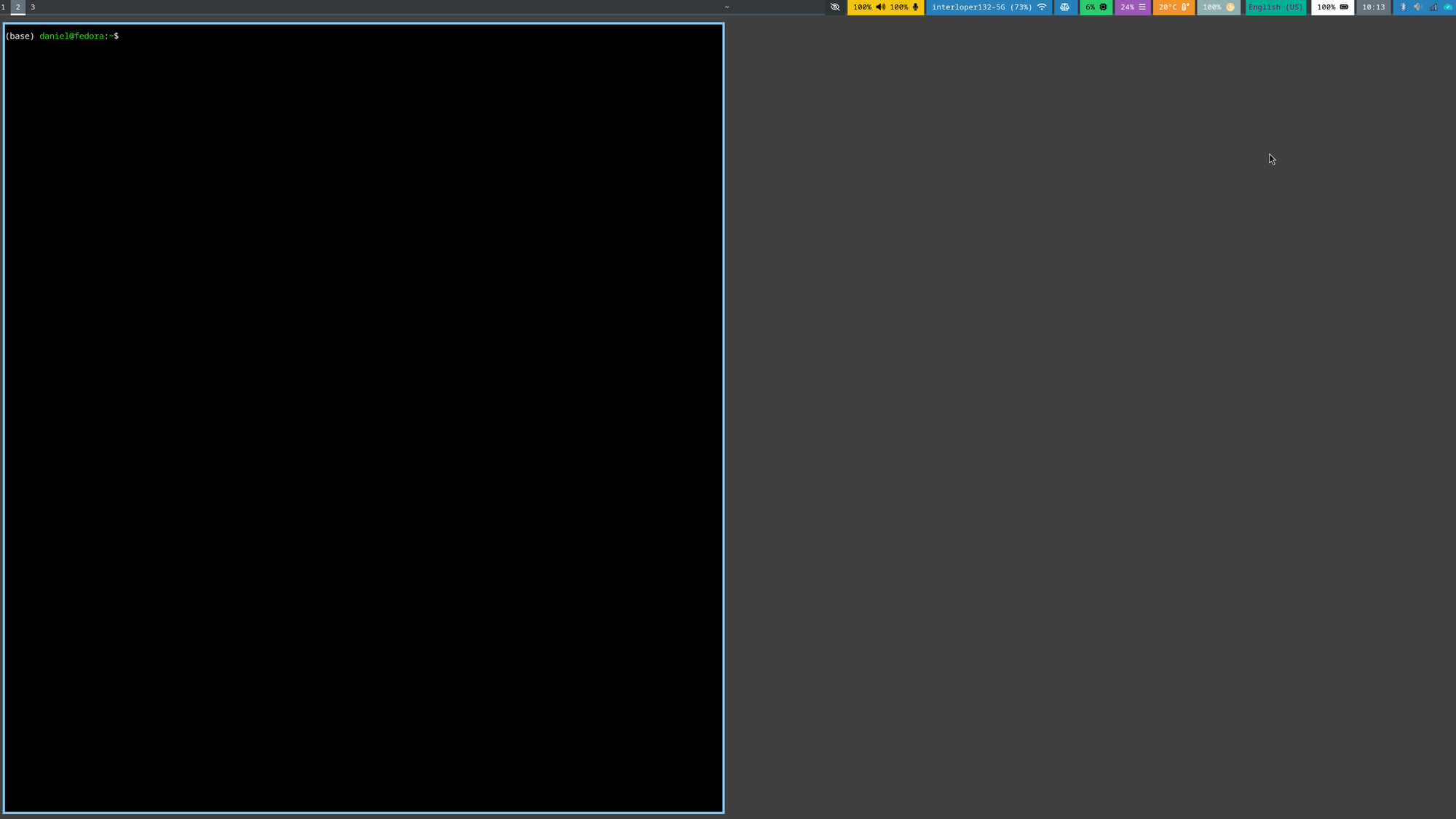
What's beautiful about Niri is, like in Windows and Mac, in the overview mode you can close windows and move them around. The overview even lets you see and manage windows on all workspaces by default.
Niri really is a gamechanger. And, as with all tiling window managers, it's highly customizable. So far, I am loving the experience.
There are some quirks. I do not like all the default key bindings that Niri has. Those are fixable by defining my own in the Niri configuration file. I also find the default bar to be much too busy. Niri uses a bar called Waybar, and by default Niri has it configured to display a lot of information. Too much for my liking, if fact. Again, this can be fixed via Waybar's configuration file.
There are some other issues too, not sure what is causing them though. I still get random repeating keys when I use an external keyboard. So, for now, I am using the laptop keyboard which also allows me to use the laptop monitor as a second screen.
The boot time for this system, before it even gets into Niri, is too long. It's annoying but is not causing any functional issues except testing my patience. Patience is a virtual and this quirk helps me work on it.
Finally, I have noticed that when I "hot plug" the laptop back into my monitor dock, something is causing my external mic and camera to connect and disconnect a couple times before they settle in. I have discovered a way around this, though. I just exit Niri, plug it in, then log back into Niri. Again, not ideal but it works.
Trying new things, especially software, always comes with a learning curve and little issues that only happen to you. It is hard for software developers, especially open source ones, to account for every case. Many open source devs are not getting paid, or paid consistently, to write the amazing tools we get to use for free. So, If I have to deal with a few glitches, fine by me.
As a writer, I need a writing environment that fits the way my brain works. As a technophile, I need software that works well and lets me get on with the business of writing. I have definitely found the right mix with Fedora and Niri.
What about you? Do you need to have your computer a certain way? Or are you fully at home with the way your machine works out of the box? I'd love to hear your story.
—Daniel